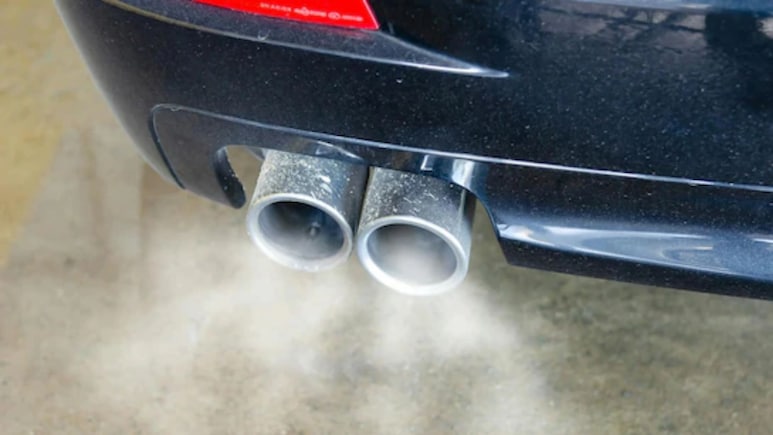
Delhi government has announced the "No PUC, No Fuel" policy, along with the restrictions on entry of non-BS6 vehicles in the national capital from November 1. Based on the restrictions, an expired Pollution Under Control certificate (PUCC) can cost the owner a challan. Furthermore, petrol pumps are directed to refuse a refill without a valid PUCC.
Car owners are advised to check the validity of their PUC online before reaching the pump. It is worth mentioning that the process takes only a few minutes on the government's Parivahan portal or the mParivahan app, needing just your registration number and the last five characters of your chassis number. Here's how you can do it.
-

-
 The Mystery Of A Bare Nail In Ashwini Vaishnaw's Office
 -
 Paris Setback, Asian Games Glory: Lovlina Borgohain's New Perspective
 -
 To PM Modi's "Failed Product" Jab At Rahul Gandhi, A Shashi Tharoor Counter
 -
 NDTV World Summit 2026: AI, Chips, Warfare And The Future Of The World | Key Conversations
 -
 Kriti Sanon On Situationships, Open Relationships And Being Old-School
 -
 'AI Scares Me': Kriti Sanon On Personality Rights And Need For Laws
 -
 'AI Scares Me': Kriti Sanon On Personality Rights And Need For Laws
 -
 'This Time I Wanted Gold': Savita Punia Reflects On Historic Asiad Success
 -
 Favourite Bollywood Actor To 5-Year Plan, Kriti Sanon Interviews AI Actor Tilly Norwood
 -
 Inside The Mind Of Archer Kumkum Mohod, Who Dared To Challenge South Korea
READ | Kendall Jenner's 1998 Range Rover Makes A Stylish Appearance In Instagram Post
How To Check On Parivahan
Open the Parivahan website, head to Online Services, and choose the PUCC option. Enter your vehicle registration number, followed by the last five characters of your chassis number (printed on your RC), fill in the captcha, and click "PUC Details." The page will show your certificate number, validity dates, and the emission readings recorded at the test.
READ | Delhi To Ban Entry Of Non-BS6 Vehicles From November 1 Amid Poor Air Quality
Check PUC On mParivahan
Sign in to the Android or iOS app and add your vehicle if it isn't already listed. Open the vehicle's profile or the Vehicle section on the home screen, then select PUCC to see the validity. The app is handy if you manage more than one vehicle, since you can store them all in one place.
How Long A PUC Certificate Lasts
A new vehicle is generally covered for one year from the date of registration. After that, the certificate usually runs for six months at a time. Because the six-month cycle is short, it's easy to miss. Solution? Set a phone reminder a week before the expiry date, especially if you drive into or around Delhi, where a valid certificate is needed at fuel stations.
READ | "Will Pick Ferrari Over Tesla Roadster Flying Car": Gautam Singhania At NDTV World Summit 2026
If No Record Shows Up
If you were tested very recently, wait and try again later, keeping the paper certificate from the testing centre until the online record appears. Recheck the registration number and chassis characters for typing errors, the letter O and the number 0 are easy to mix up.
Some third-party tools check validity without asking for the chassis number, but they collect your details. Stick to the official portal and app where you can.
If Yours Is Close To Expiry
The vehicle owners in and around Delhi are advised to do the retest at least a few days before the date, not on the day itself. A vehicle that fails needs repair and a second test, and that takes time. Keep a screenshot of the validity page or a photo of the certificate on your phone, so you can show it if anyone asks.
Track Latest News Live on NDTV.com and get news updates from India and around the world
