ICSE, ISC Result Out: Check Scorecard Download Link Here

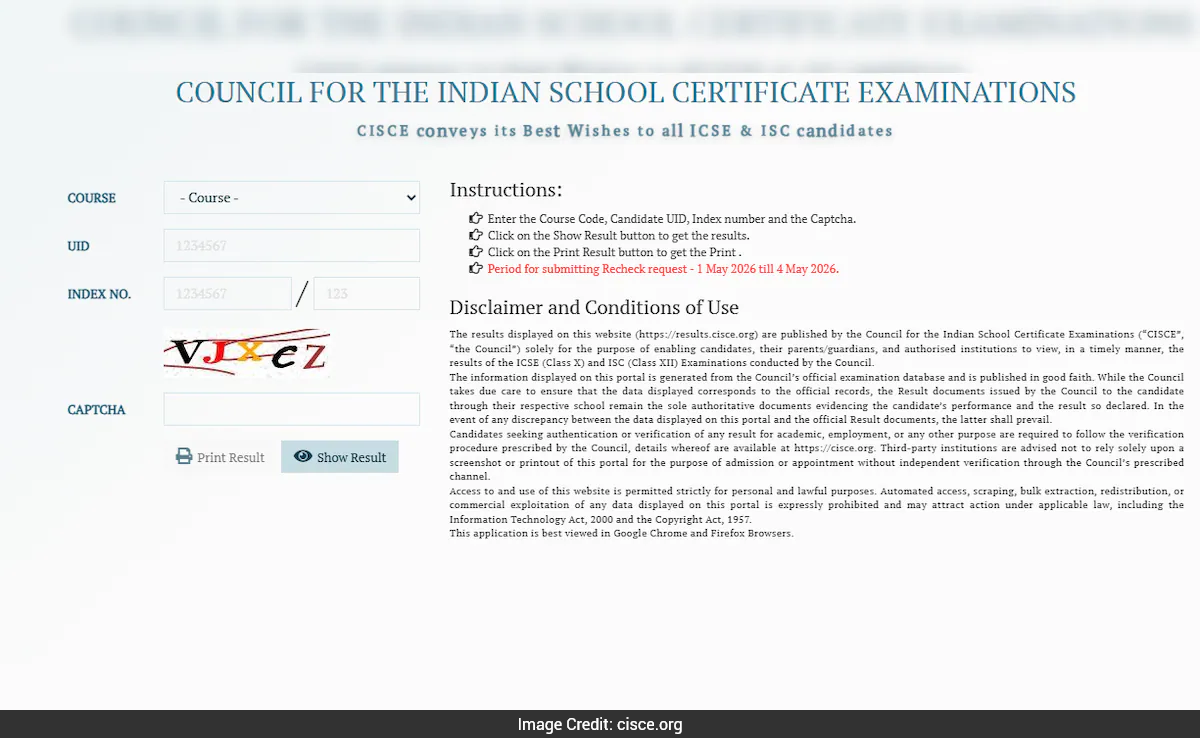
ICSE, ISC Result 2026: The Council for the Indian School Certificate Examinations (CISCE) has declared the Indian Certificate of Secondary Education (ICSE) and Indian School Certificate (ISC) results today, April 30 at 11 am. Students can now access their scorecards on the official website cisce.org.
How To Download ICSE, ISC Scorecard?
- Visit the official website cisce.org.
- On the homepage, click on "ICSE Examination results 2026" or "ISC Examination results 2026".
- Select your course, enter your UID, Index Number, Captcha code and click on "Show Result" button.
- Your scores/marksheet will be displayed on the screen.
- Download and save your scorecard for future reference.
Direct Link To Check Scorecard (Via Official Website)
Official Websites
- cisce.org
- results.cisce.org
Download Your Scorecard Via DigiLocker
- Download the DigiLocker application or visit digilocker.gov.in
- Log in using your Aadhaar number or mobile number
- Go to the "Education" section on the dashboard and select "Council For Indian School Certificate Examinations (CISCE)"
- Select respective links for ICSE and ISC marksheet.
- Enter your UID number, index number.
- Click on submit.
- Your scorecard will be displayed on the screen.
Check Scores Via SMS
- To check ICSE Result 2026 via SMS: Type ICSE 7-digit UID and Send it to 09248082883.
- For ISC Result 2026, Type ISC 7-digit UID and Send to 09248082883.
The ICSE (Class 10) exams were conducted from February 17 to March 30, while the ISC (Class 12) exams were held from February 12 to April 3.
How may i help you today
Show full article
