



Drawing Tool For Android
-
{
- All
- News
- Videos
-

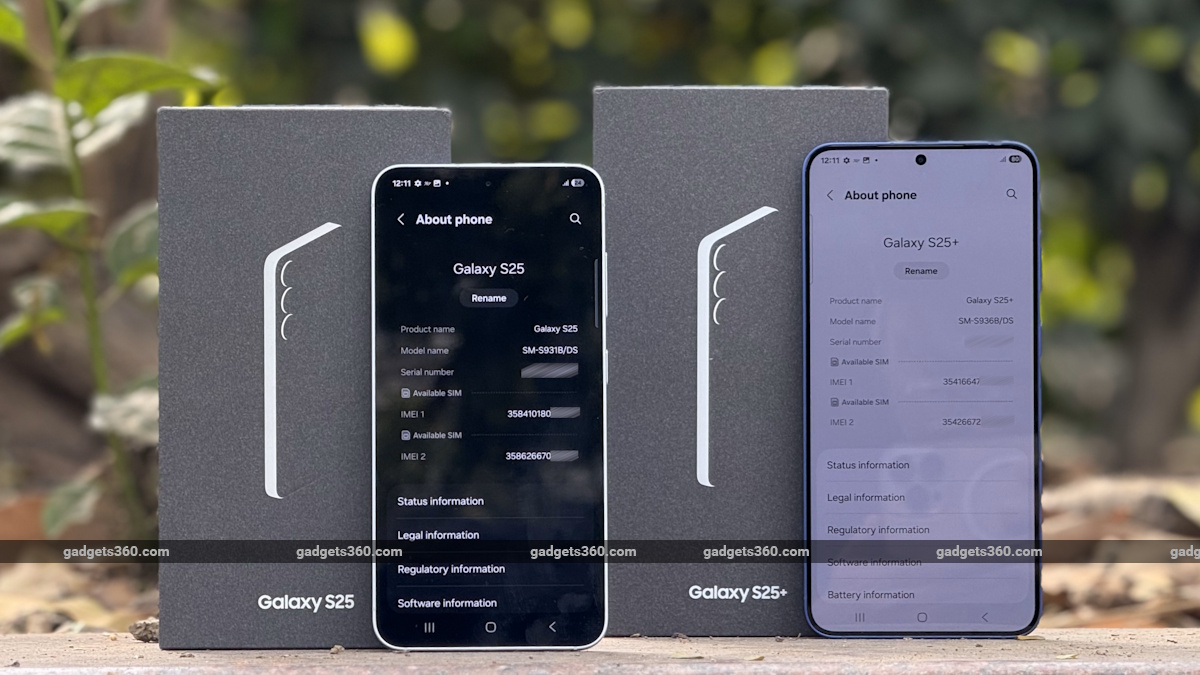
Samsung Galaxy S26 Could Feature Revamped Lock Screen Customisation, 3D Wallpaper Effects, One UI 8.5 Leak Shows
Leaks suggest Samsung is developing several new One UI 8.5 features that may be exclusive to the Galaxy S26 series. The tools were enabled by a leaker using an internal AI build. Key additions include Now Nudges for contextual lock screen information, Wallpaper Live Effects for 3D parallax wallpapers, a Creative Studio for custom wallpaper creation...
-
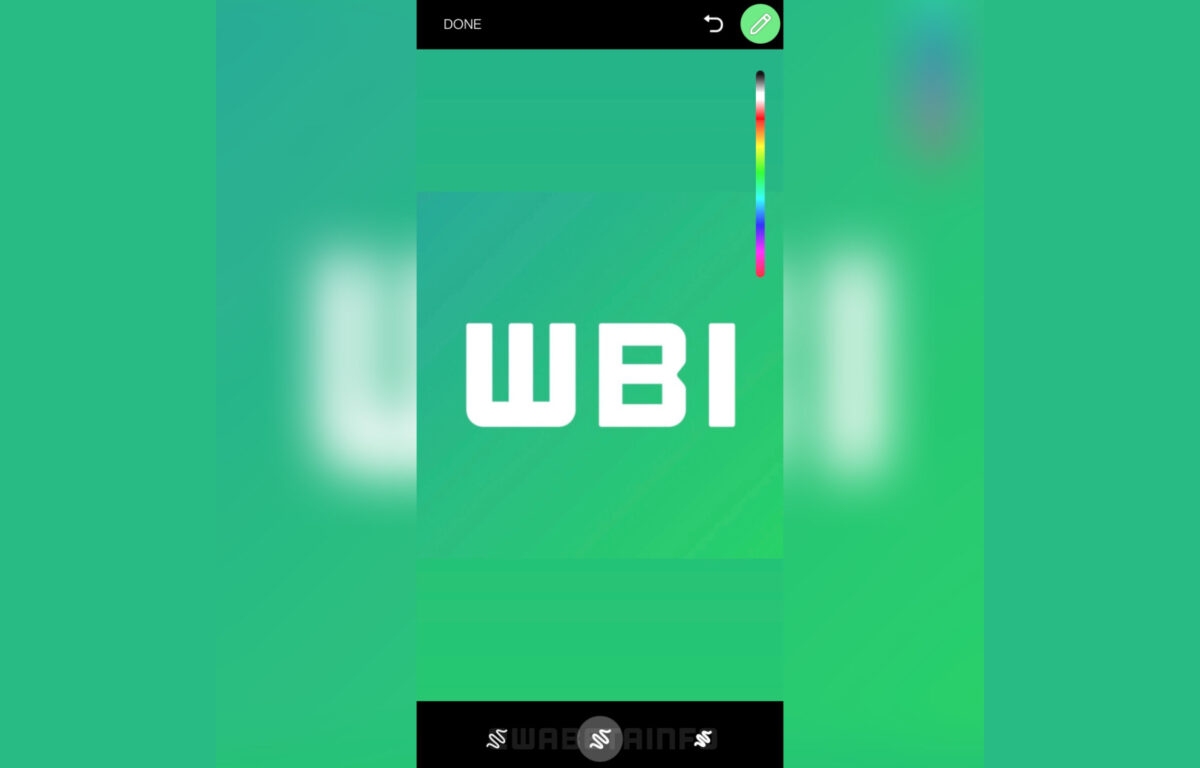
WhatsApp Testing Feature to Show Estimated Time of Arrival for File Sharing, New Drawing Tools
WhatsApp is testing an ability to let users view estimated time of arrival (ETA) when sharing files on Android, iOS, and desktops. Separately, WhatsApp is found to be testing new drawing tools that are initially in development for iOS users, though are said to soon be rolled out to Android beta testers.
-
WhatsApp for Android to Get New Drawing Tools, Desktop App to Get New Colour Scheme: Report
WhatsApp is reportedly getting new features for its Android and desktop apps. For the former, the messaging app is said to add new drawing tools, while the latter is said to get a new colour scheme.
-
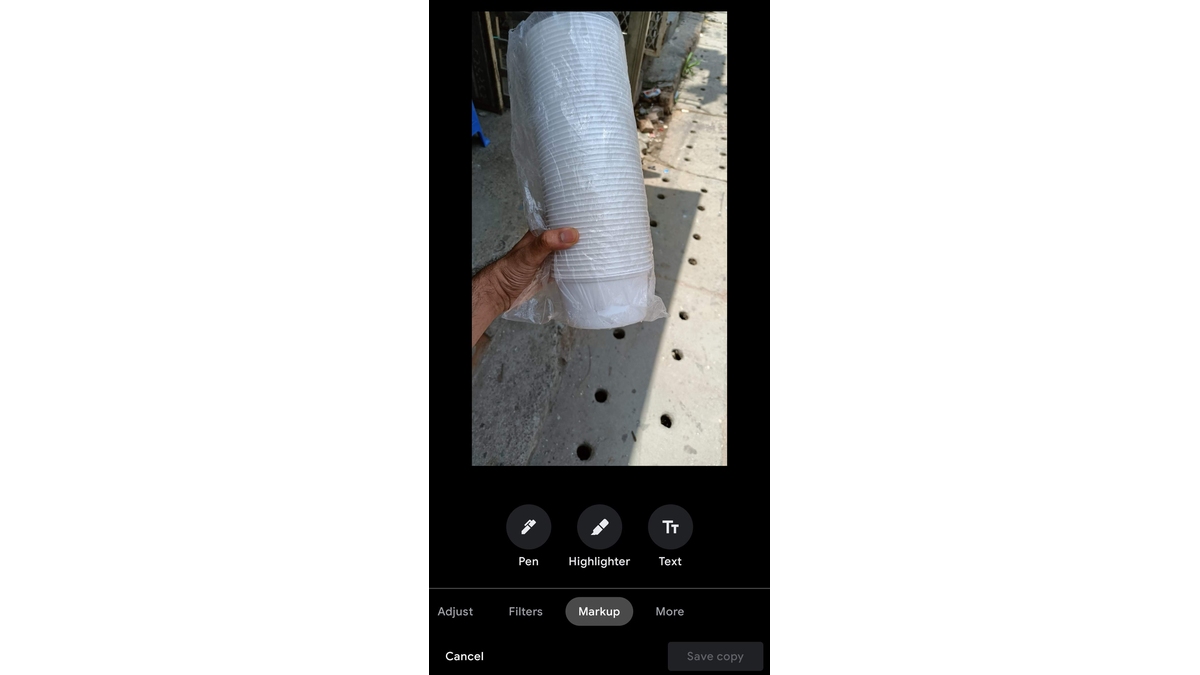
Google Photos for Android Makes Markup Tool More Accessible in Editing Menu
Google Photos for Android has had its Markup tool moved up to the main menu in the editing menu. Markup tool was earlier a part of the More tab but now sits between the Filters and More tabs in the main UI.
-
Google Chrome for Android Gets a New Screenshot Tool in the Sharing Menu
Chrome 91 for Android is getting a new Screenshot tool in the sharing menu. The tool appears in the bottom row of the menu along with Copy Link, Send to Your Devices, QR Code, and Print options. Upon clicking at Screenshot, users can crop the image, add text or draw on it before sharing it, save it on their devices, or delete it entirely.
-
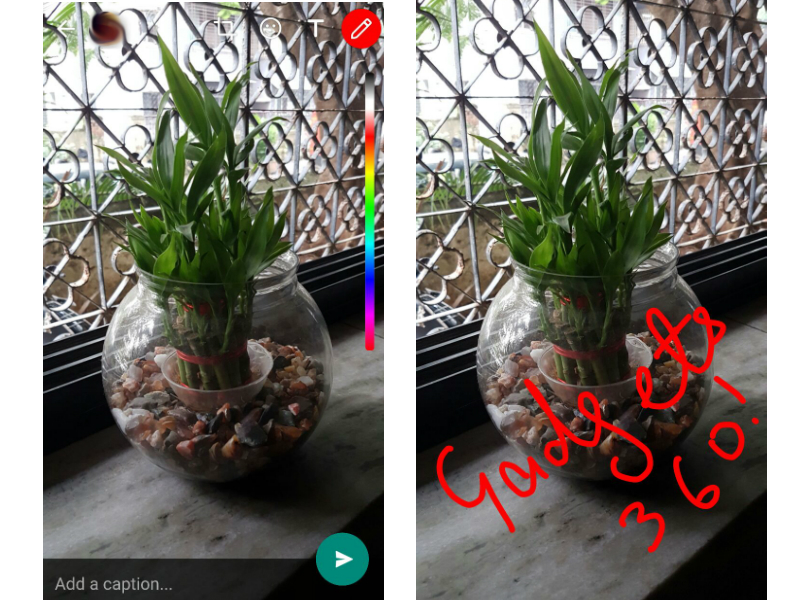
WhatsApp Android Beta Gets Snapchat-Like Scribble Tool, Front Flash
The latest beta version brings the ability to take better selfies in low light, and a Snapchat inspired drawing feature.
-
Adobe Photoshop Fix, Capture CC, Illustrator Draw Mobile Apps Launched
Apart from apps for Android and iOS, Adobe also announced a new design tool, codenamed Project Comet.



-
Samsung Galaxy S26 Could Feature Revamped Lock Screen Customisation, 3D Wallpaper Effects, One UI 8.5 Leak Shows
Leaks suggest Samsung is developing several new One UI 8.5 features that may be exclusive to the Galaxy S26 series. The tools were enabled by a leaker using an internal AI build. Key additions include Now Nudges for contextual lock screen information, Wallpaper Live Effects for 3D parallax wallpapers, a Creative Studio for custom wallpaper creation...
-
WhatsApp Testing Feature to Show Estimated Time of Arrival for File Sharing, New Drawing Tools
WhatsApp is testing an ability to let users view estimated time of arrival (ETA) when sharing files on Android, iOS, and desktops. Separately, WhatsApp is found to be testing new drawing tools that are initially in development for iOS users, though are said to soon be rolled out to Android beta testers.
-
WhatsApp for Android to Get New Drawing Tools, Desktop App to Get New Colour Scheme: Report
WhatsApp is reportedly getting new features for its Android and desktop apps. For the former, the messaging app is said to add new drawing tools, while the latter is said to get a new colour scheme.
-
Google Photos for Android Makes Markup Tool More Accessible in Editing Menu
Google Photos for Android has had its Markup tool moved up to the main menu in the editing menu. Markup tool was earlier a part of the More tab but now sits between the Filters and More tabs in the main UI.
-
Google Chrome for Android Gets a New Screenshot Tool in the Sharing Menu
Chrome 91 for Android is getting a new Screenshot tool in the sharing menu. The tool appears in the bottom row of the menu along with Copy Link, Send to Your Devices, QR Code, and Print options. Upon clicking at Screenshot, users can crop the image, add text or draw on it before sharing it, save it on their devices, or delete it entirely.
-
WhatsApp Android Beta Gets Snapchat-Like Scribble Tool, Front Flash
The latest beta version brings the ability to take better selfies in low light, and a Snapchat inspired drawing feature.
-
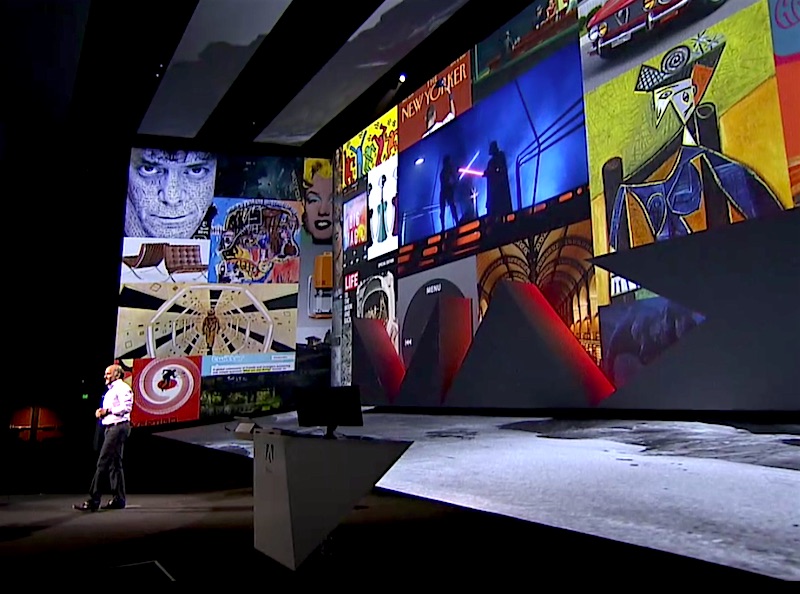
Adobe Photoshop Fix, Capture CC, Illustrator Draw Mobile Apps Launched
Apart from apps for Android and iOS, Adobe also announced a new design tool, codenamed Project Comet.

