





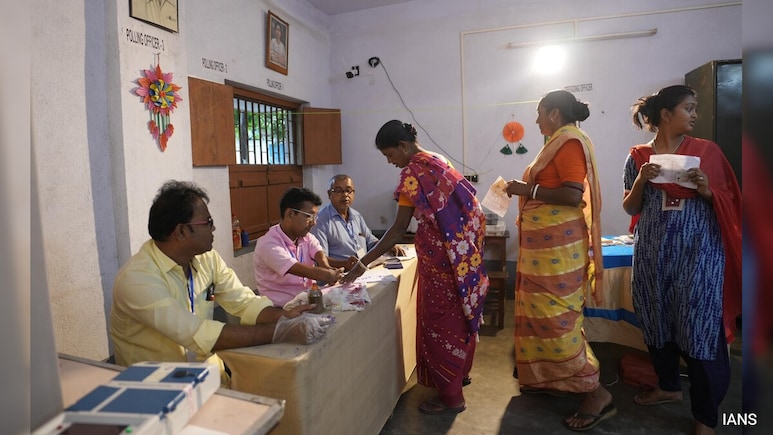
Over 2.89 crore voters have been removed from Uttar Pradesh's electoral rolls in the draft list released by the Election Commission on Tuesday after the Special Intensive Revision (SIR). This includes 46.23 lakh dead voters, officials said.
Of the total removed, 2.17 crore voters have moved houses, while 25.47 lakh were registered in multiple locations. The final voter list will be published on March 6.
At the start of the SIR on October 27, 2025, Uttar Pradesh had 15.44 crore registered voters. Individual forms were issued and Booth Level Officers (BLOs) carried out door-to-door verification. Of these, 12.55 crore forms (81 per cent) were returned, while 18.7 per cent were not received, leading to the removal of 2.89 crore names from the draft list, as per the EC.
How To Check Your Name In UP SIR Draft Voter List
- Visit the Voter Search Portal - Go to the Election Commission's Voter Service Portal or directly to the Electoral Search page.
- Find the SIR Section - On the main page, look for the “Special Intensive Revision (SIR)‑2026” section.
Search By EPIC Number
- Click “Search your name by EPIC number in draft electoral roll SIR‑2026”.
- Enter your EPIC (Voter ID) number.
- Type the Captcha and click Search.
- If your name is in the draft list, details like district, constituency, and polling station will appear.
- If it shows “No result found”, your name isn't in the draft list.
Search By Electoral Details
- In the SIR section, choose the option to search by electoral details.
- Enter your state, district, assembly constituency, polling station number/name, your name, part number, and section number.
- Fill in the captcha and click Search.
Offline Option
You can also check the physical draft list at your local polling station with help from your Booth Level Officer (BLO).
Check Via Mobile App
You can use the ECINET Voter Helpline App to search your name using your EPIC number or QR/bar code.
What To Do If Your Name Is Missing In UP SIR List
- File Form 6 to add your name to the electoral rolls.
- Submit Form 6 online via the Voter Portal or offline at your local ERO or BLO.
- Ensure your name, age, and address match your identity documents.
- Submit the form before the deadline.
- Track your application online using the reference number.
- Use Form 8 if your name appears incorrectly and needs correction.
- Visit your local Electoral Registration Office or BLO for assistance if needed.
- Keep a copy of your application and acknowledgment slip for reference.
Deadlines For Revision Of UP SIR List
- Claims And Objections Window: January 6 - February 6.
- Verification And Disposal of Objections: January 6 - February 27.
- Final Voter List Publication: March 6.
Submit Form 6 before February 6 to ensure your name is included in the final list.
Track Latest News Live on NDTV.com and get news updates from India and around the world

