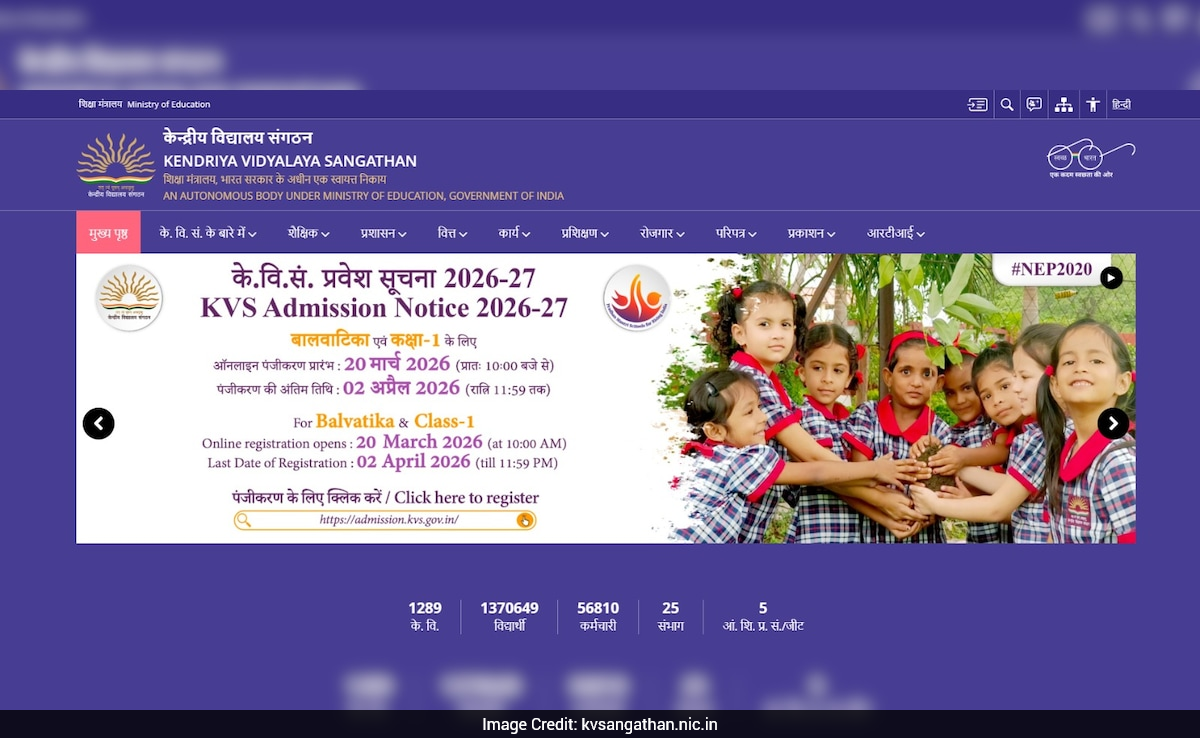
KVS 2026 Balvatika And Class 1 Admissions Close Today
- Admissions for KVS Balvatika 1 to 3 and Class 1 close on April 1, 2026
- Provisional admission lists for Balvatika release April 8 and 9 for Class 1
- Polling delays list release to April 10 in Assam, Kerala, and Pondicherry
Did our AI summary help?
Let us know.Admissions for Kendriya Vidyalaya Sangathan (KVS) 2026 Balvatika 1 to 3 and Class 1 academic session will be closed today (April 1). Parents who want to apply can visit the official website kvsangathan.nic.in.
Following the registration process, KVS will release the provisional list for Balvatika 1, 2, and 3 on April 8 and April 9 for Class 1. Due to polling in Assam, Kerala, and Pondicherry, the list will be delayed by a day. It will be released on April 10 for both Balvatika and Class 1.
Direct link to apply for KVS Admission 2026
Eligibility Age Requirement
- The child must be 6 years old as on 31st March of the academic year in which admission is sought.
- A child born on 1st April will also be considered eligible.
Proof of Age Requirement
- A valid birth certificate must be submitted as proof of age.
- The certificate must be issued by a competent authority authorized to register births.
Accepted Issuing Authorities
- Notified Area Council / Municipality / Municipal Corporation
- Extracts from Village Panchayat records
- Military Hospital records
- Service records of Defence personnel
How to Apply
Step 1: Visit Official Website
- Go to the official website of KVS: kvsangathan.nic.in
Step 2: Access Registration Link
- Click on the "KVS Admission 2026 Registration" link available on the home page
Step 3: Register
- Parents/guardians need to register themselves on the portal
Step 4: Fill Application Form
- After registration, complete the application form with required details
Step 5: Pay Application Fee
- Make the payment of the application fee (if applicable)
Step 6: Submit Application
- Click on submit and download the confirmation page
Step 7: Print Confirmation
- Keep a hard copy of the confirmation page for future reference
