



Sharing Your Desktop
- All
- News
-

How to Use Telegram Web: A Step-by-Step Guide
Telegram Web lets you access your Telegram chats directly from a browser without installing a desktop app. It syncs with your phone in real time, making it easy to send messages, share files, and manage groups while working on a computer. You can log in quickly using a QR code or enter your phone number and confirm with a code sent to your app. Sin...
-
How to Use WhatsApp Web: A Step-by-Step Guide
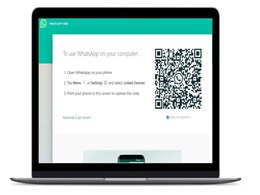
WhatsApp Web bridges the gap between mobile and desktop communication. This browser-based extension mirrors your WhatsApp account, allowing you to access chats, share files, and receive notifications on a larger screen. Setup is quick and easy—visit web.whatsapp.com, scan the QR code, and get started. While it offers features like syncing and fil...
-
On Sushmita Sen's Desktop, A Picture Of Rohman Shawl
Sushmita Sen wrote, "Picture of Rohman Shawl shot by yours truly. I love you guys"
-
Telegram Update Lets You Upload Profile Videos, Gets 2GB File Sharing Support
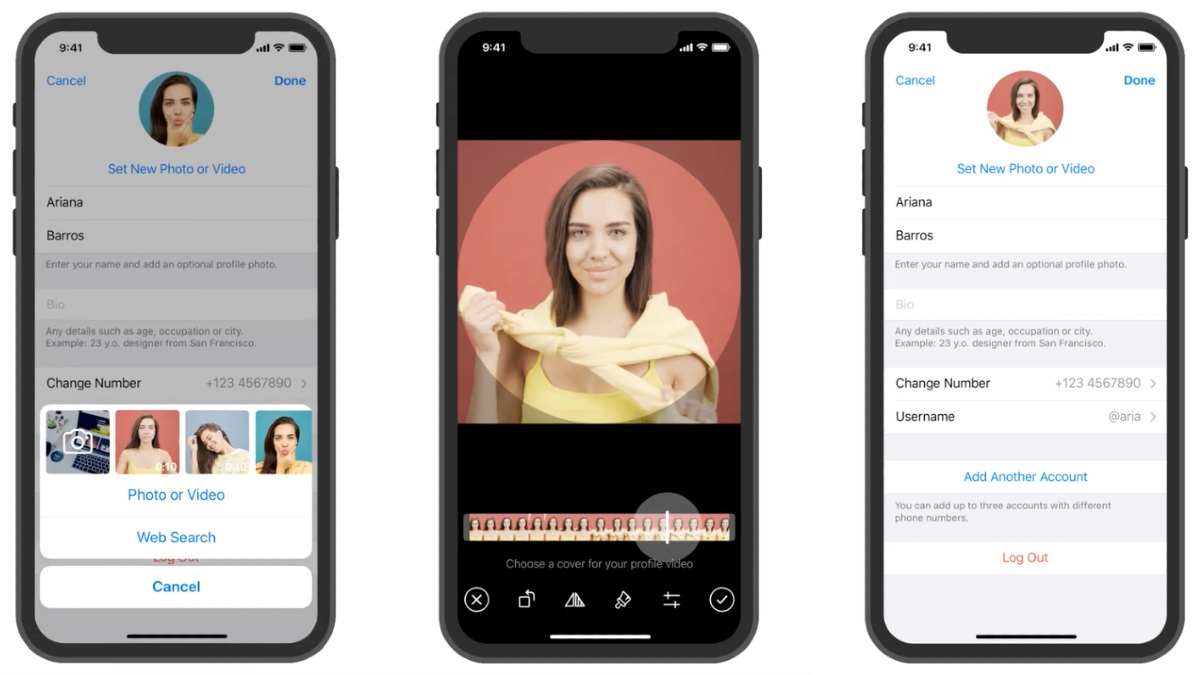
Telegram has announced a new update that lets you add videos to your profile alongside your existing profile photos. The latest Telegram update also beefed up the storage limit for sending media files from the existing 1.5GB to 2GB.
-
How to Use Your Laptop as a Wi-Fi Hotspot
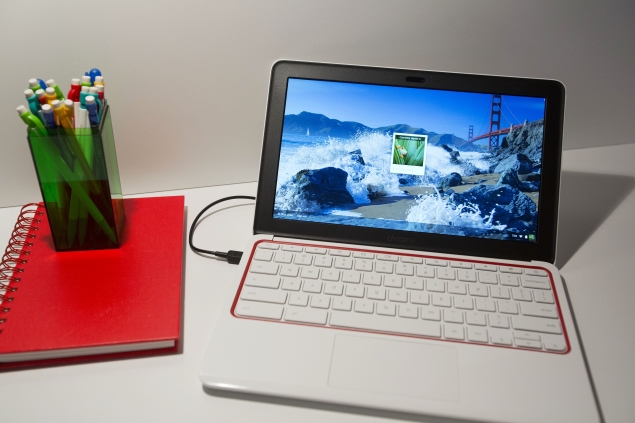
You can turn your Windows laptop or MacBook into a Wi-Fi hotspot to share the desktop's Internet connection with your phone, tablet and other devices.


-
How to Use Telegram Web: A Step-by-Step Guide
Telegram Web lets you access your Telegram chats directly from a browser without installing a desktop app. It syncs with your phone in real time, making it easy to send messages, share files, and manage groups while working on a computer. You can log in quickly using a QR code or enter your phone number and confirm with a code sent to your app. Sin...
-
How to Use WhatsApp Web: A Step-by-Step Guide
WhatsApp Web bridges the gap between mobile and desktop communication. This browser-based extension mirrors your WhatsApp account, allowing you to access chats, share files, and receive notifications on a larger screen. Setup is quick and easy—visit web.whatsapp.com, scan the QR code, and get started. While it offers features like syncing and fil...
-
On Sushmita Sen's Desktop, A Picture Of Rohman Shawl
Sushmita Sen wrote, "Picture of Rohman Shawl shot by yours truly. I love you guys"
-
Telegram Update Lets You Upload Profile Videos, Gets 2GB File Sharing Support
Telegram has announced a new update that lets you add videos to your profile alongside your existing profile photos. The latest Telegram update also beefed up the storage limit for sending media files from the existing 1.5GB to 2GB.
-
How to Use Your Laptop as a Wi-Fi Hotspot
You can turn your Windows laptop or MacBook into a Wi-Fi hotspot to share the desktop's Internet connection with your phone, tablet and other devices.

