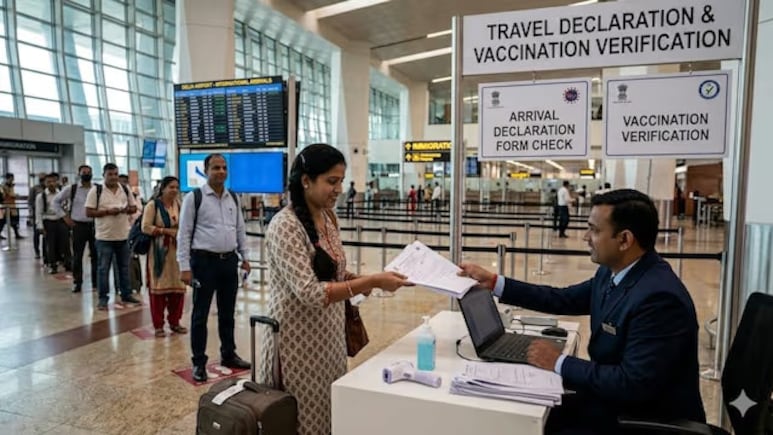
The Ministry of Civil Aviation, in collaboration with Delhi International Airport Limited (DIAL), has launched Air Suvidha 2.0—an upgraded, fully contactless passenger health self-declaration portal aimed at strengthening public health surveillance at international points of entry. The upgraded system is now mandatory for all international passengers arriving in India, amid concerns over the ongoing Ebola disease outbreak. The platform was introduced following the World Health Organisation's (WHO) declaration of an Ebola/Bundibugyo virus disease outbreak in the Democratic Republic of the Congo and Uganda.
Also Read: For The 19th Consecutive Year, Iceland Named The World's Most Peaceful Country
Here's a step-by-step guide on how to use the Air Suvidha 2.0 platform:
Before you begin: Keep your passport, flight details, address (India or overseas), and a valid email ID/mobile number ready.
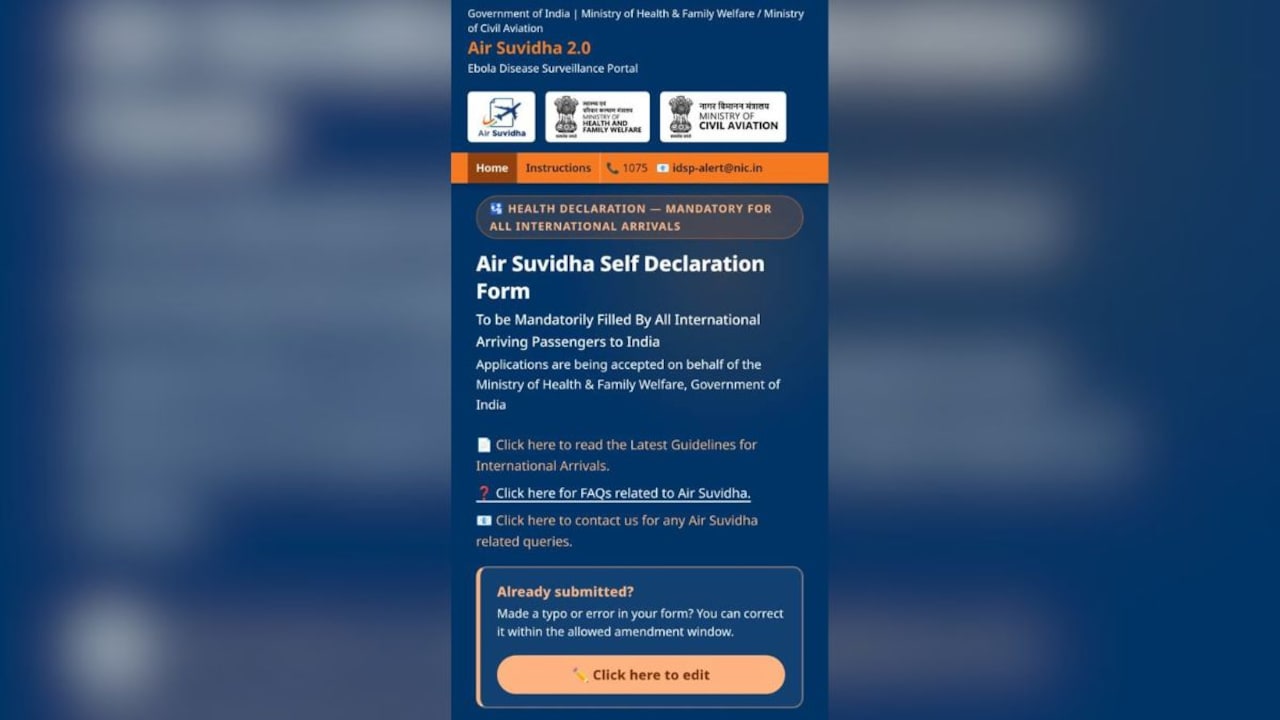
Step 1: Enter personal and travel details
Provide your passport details, nationality, and 21-day travel history, including any visits to Ebola-affected countries. Enter your flight number, first airport of entry in India, and all transit countries. Ensure all details match your travel documents.
Step 2: Add contact details and verify
Enter your Indian address (or foreign stay details), along with your email ID and mobile number. Verify your details using the OTP sent to your registered contact information.
Step 3: Complete health declaration
This section appears only if you declare travel to or exposure in Ebola-affected countries. You will be required to report symptoms and provide additional health information. All responses must be accurate.
Also Read: From Qatar Airways To Japan Airlines: World's Most Spacious Economy Seats For 2026 Ranked
Step 4: Review consent and submit
Read the statutory declaration carefully. Confirm that all details are accurate and complete, and consent to the processing of your personal and health data. Tick the confirmation checkbox and submit the form.
After Submission
Once submitted, you will receive a registration number and an acknowledgement, along with a confirmation email.
Passengers must carry the acknowledgement (digital or printed) and present it at the airport health desk upon arrival. Based on the information provided, an Airport Port Health Officer (APHO) may conduct additional screening if required.
Important Things To Keep In Mind
The Air Suvidha form must be completed online before arrival in India
- Ensure all details match your official travel documents
- Carry your acknowledgement for verification at the airport
- Additional screening may be conducted depending on your declaration
Track Latest News Live on NDTV.com and get news updates from India and around the world