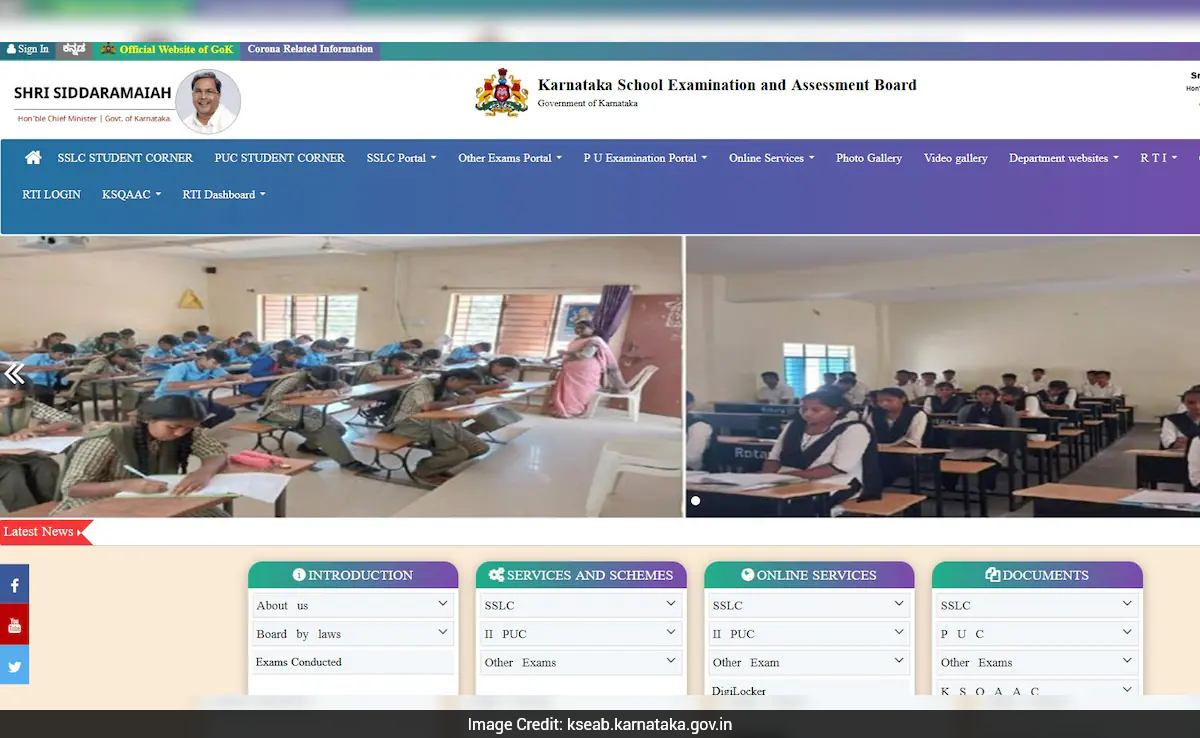

Karnataka Class 10 SSLC Result 2026: The Karnataka Secondary School Leaving Certificate (SSLC) Class 10 result has been announced today for over 8 lakh students. The results are available for download on the KSEAB's official website, as well as via DigiLocker and SMS. Students must secure a minimum of 35 per cent marks to qualify the SSLC exams.
The exams were conducted from March 18 and April 2, with a minor schedule change for one paper due to a public holiday.
How To Check Result Via Official Website?
- Visit the official KSEAB website karresults.nic.in.
- Click on the SSLC Exam result announced on April 23 link
- Enter your roll number/registration number and date of birth.
- Click on Submit.
- Your SSLC result will will be displayed on the screen.
- Download and save the provisional marksheet for future reference.
Direct Link To Check SSLC Result Via Official Website
How To Check Result Via DigiLocker?
- Visit the official DigiLocker website at digilocker.gov.in and click on "Karnataka Class 10 SSLC Results"..
- Click on "Go To Result" and select "View Result".
- Enter roll number and date of birth.
- Click on "Submit" to view your marksheet.
Direct Link To Check Result Via DigiLocker
Check Result Via SMS
- Open the messaging app.
- Click on the compose icon to write a new message.
- Type KAR10, followed by a space, then your 11-digit roll number
- Send the message to 56263.
- Once the message is sent, you will receive your subject-wise marks via SMS on the same number.
Official Websites To Download Result
karresults.nic.in
- kseab.karnataka.gov.in
- sslc.karnataka.gov.in.
The marksheet includes key details such as the student's personal information, subject-wise scores, total marks, grade, qualifying status, and any additional remarks issued by the board.
